
A simple PrestaShop webservice client
PrestaKit lets you automate your shop in C#. Upload products with images, sync catalogs across shops, translate content with LLMs, build custom UIs on a clean API, generate reports, whatever your business needs. All from a small, modern NuGet package with zero dependencies.
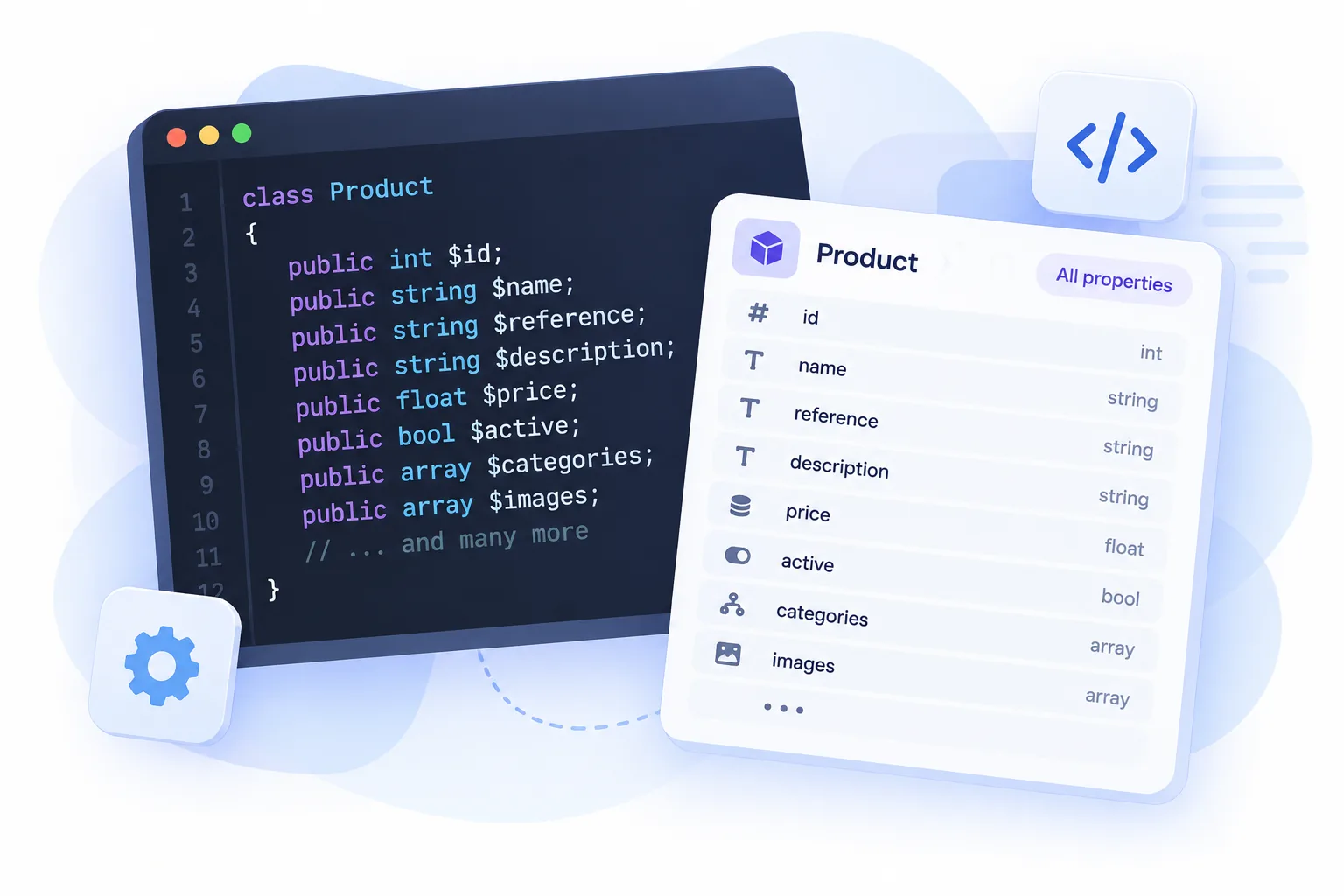
Entities with all available properties
No need to create dozens of entities with multitude of properties or manipulate XMLs manually. PrestaKit gives you every entity availible in PrestaShop webservice with proper serialization.
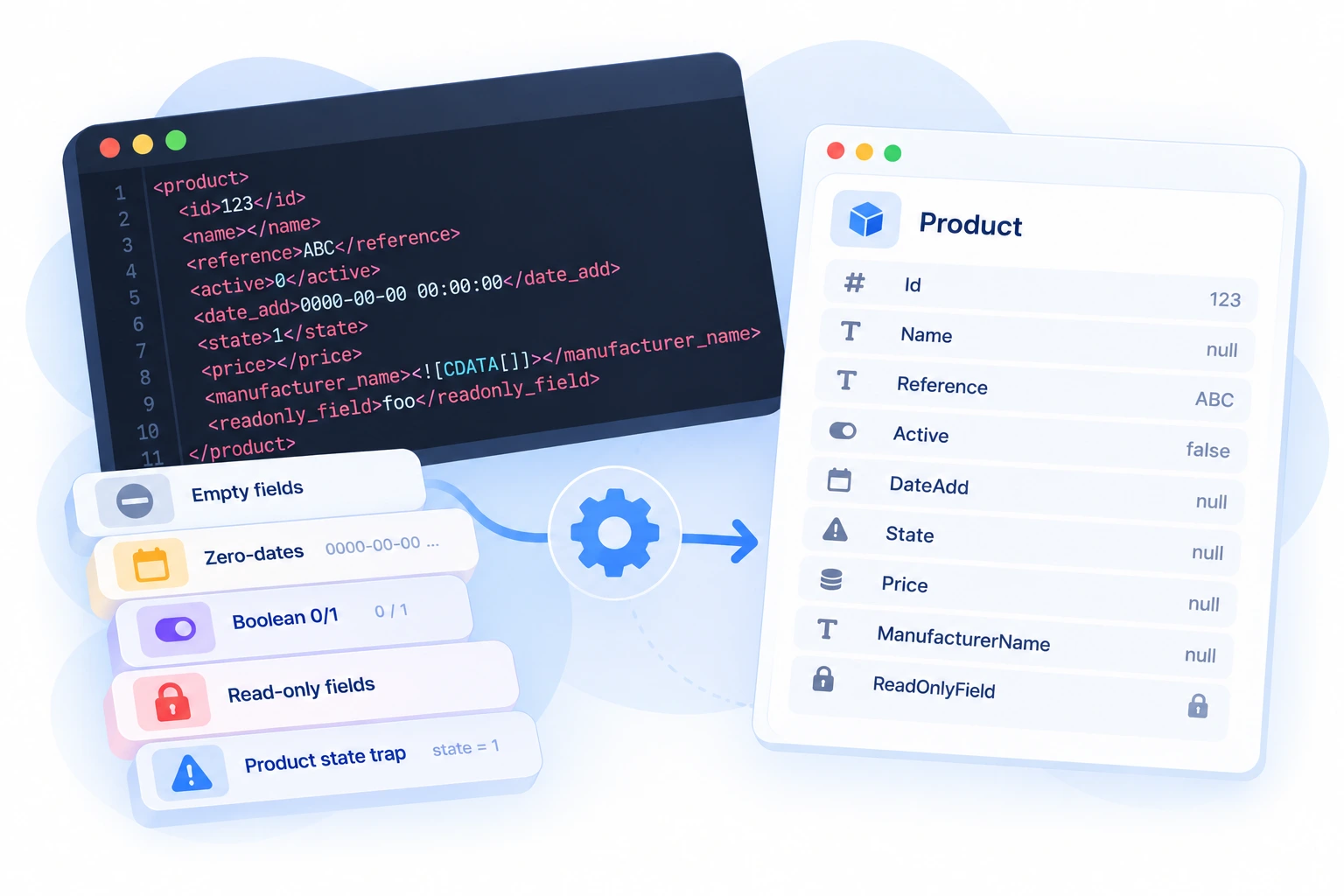
Handles the Quirks
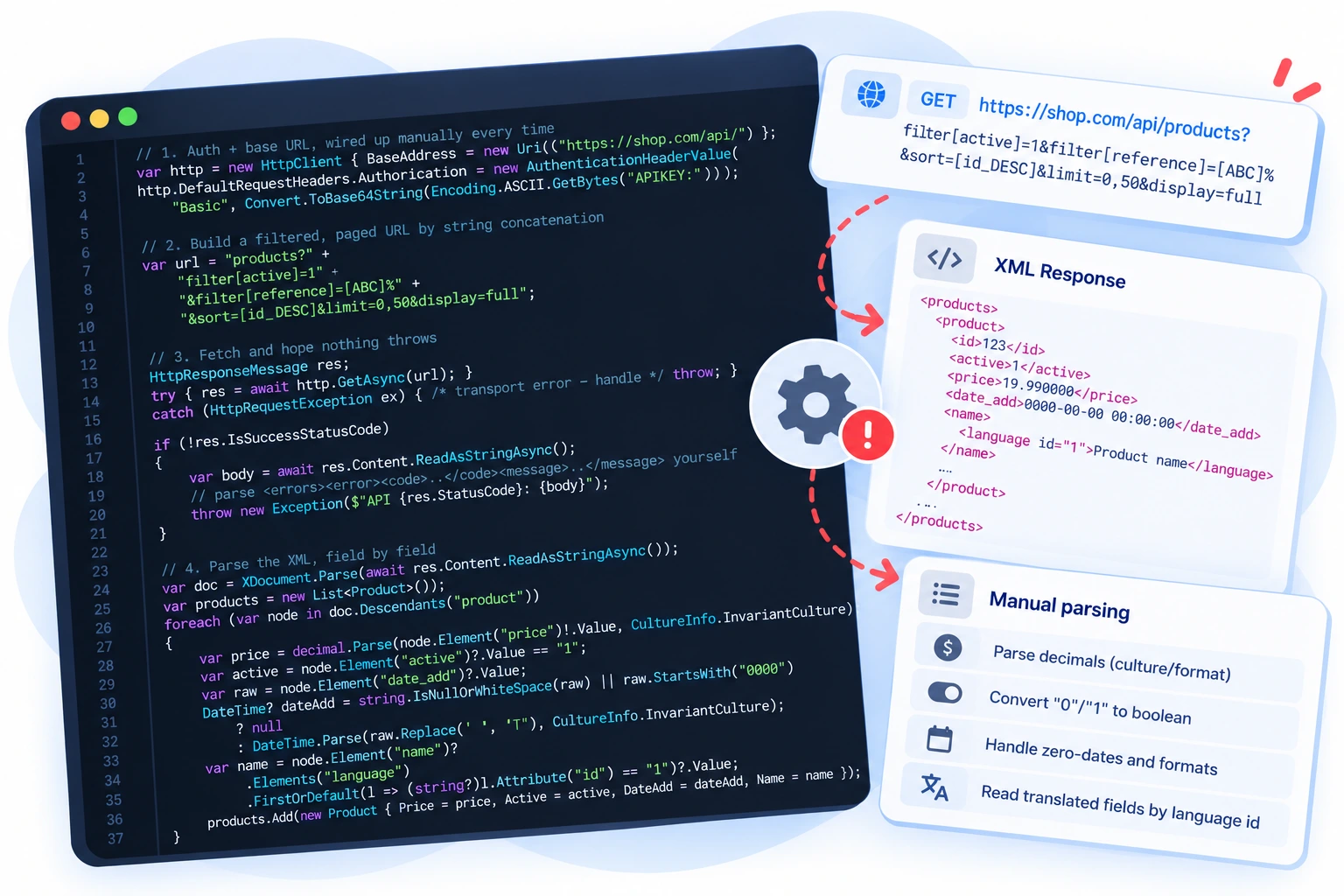
Empty fields, zero-dates, boolean 0/1, read-only fields, the product state trap. PrestaKit smooths over the webservice's rough edges so you don't rediscover them the hard way.
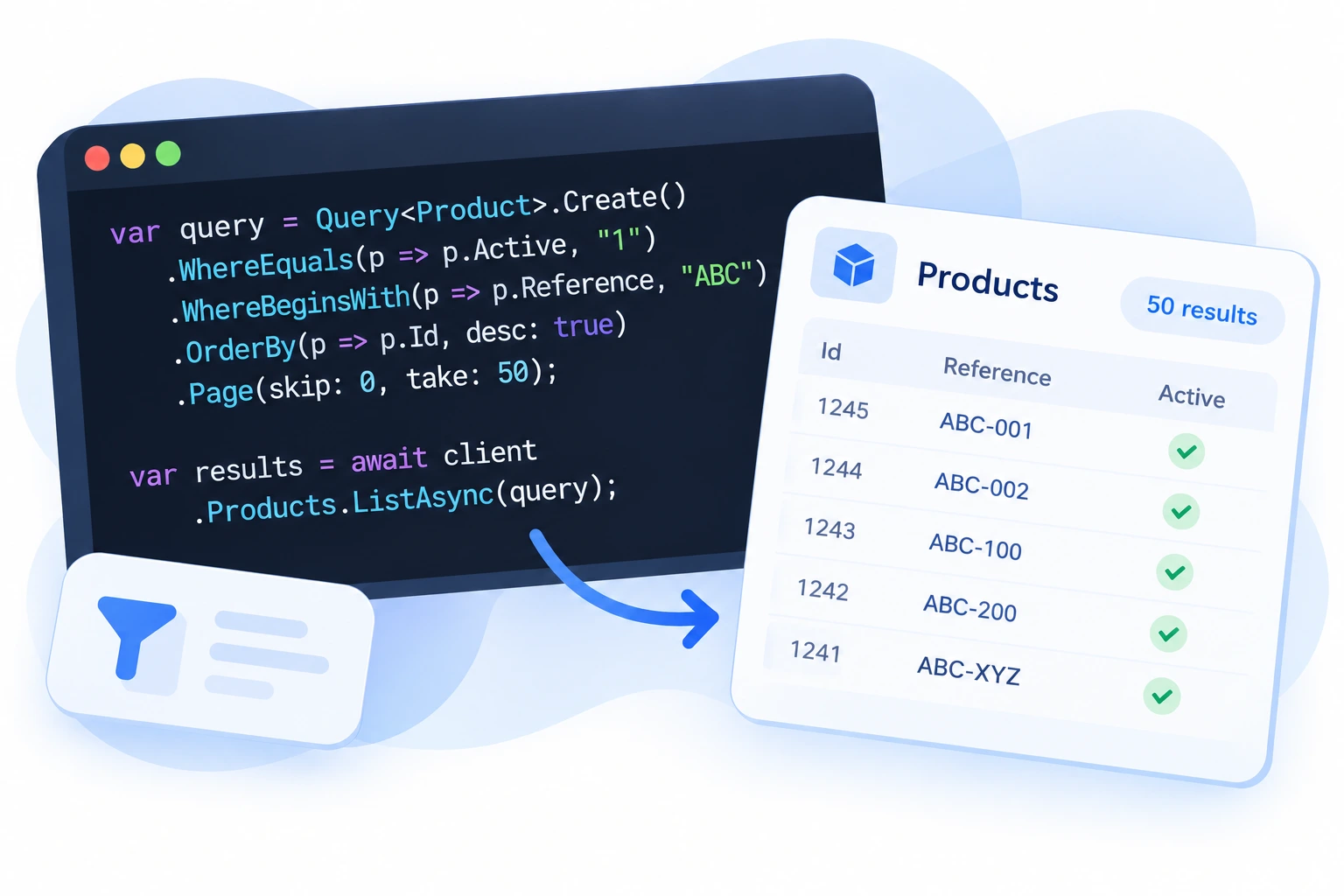
Fluent, Safe Queries
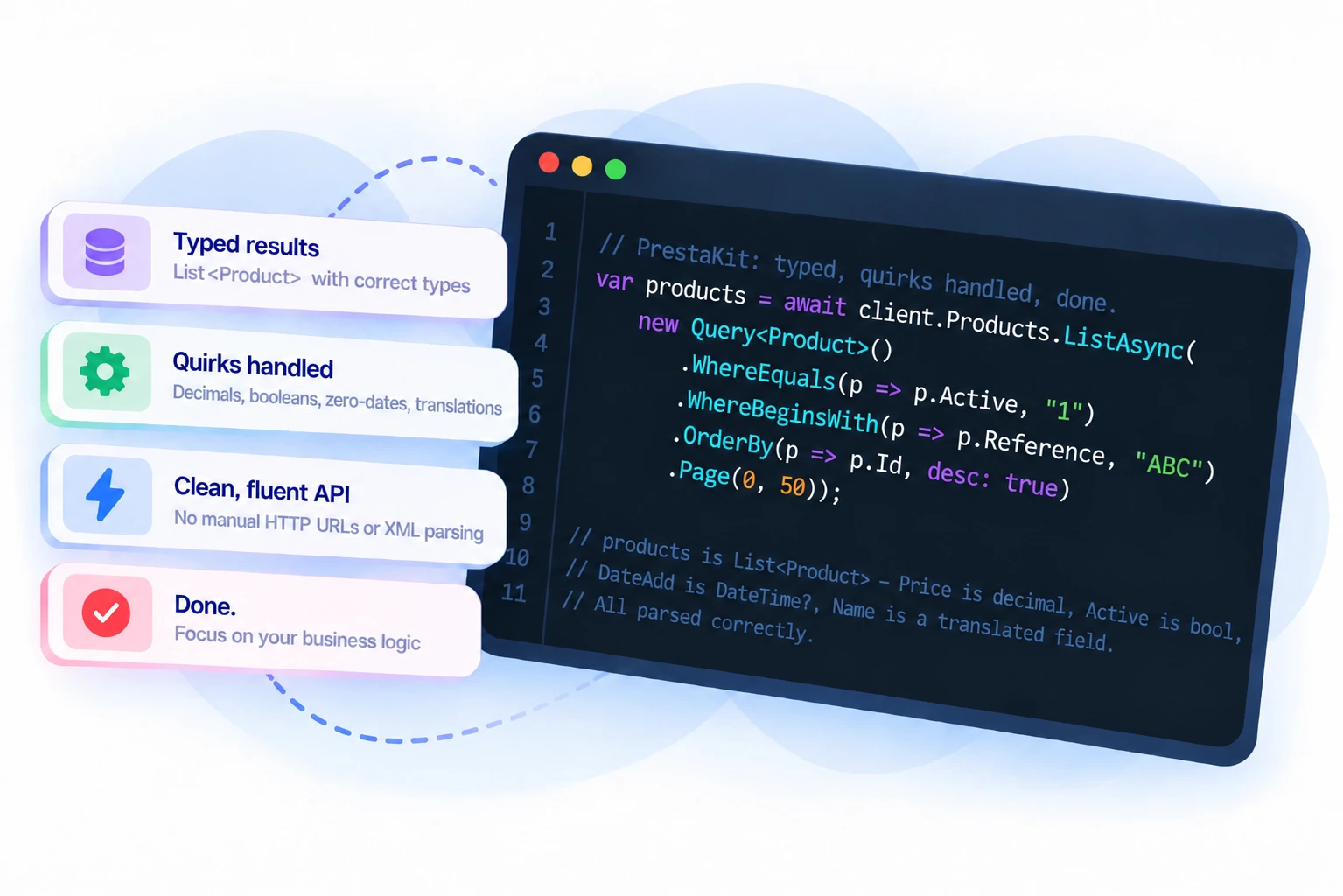
Filter, sort, and paginate with expression-based queries. Where(p => p.Active) - compile-checked, no magic strings, and streaming pagination for large catalogs.
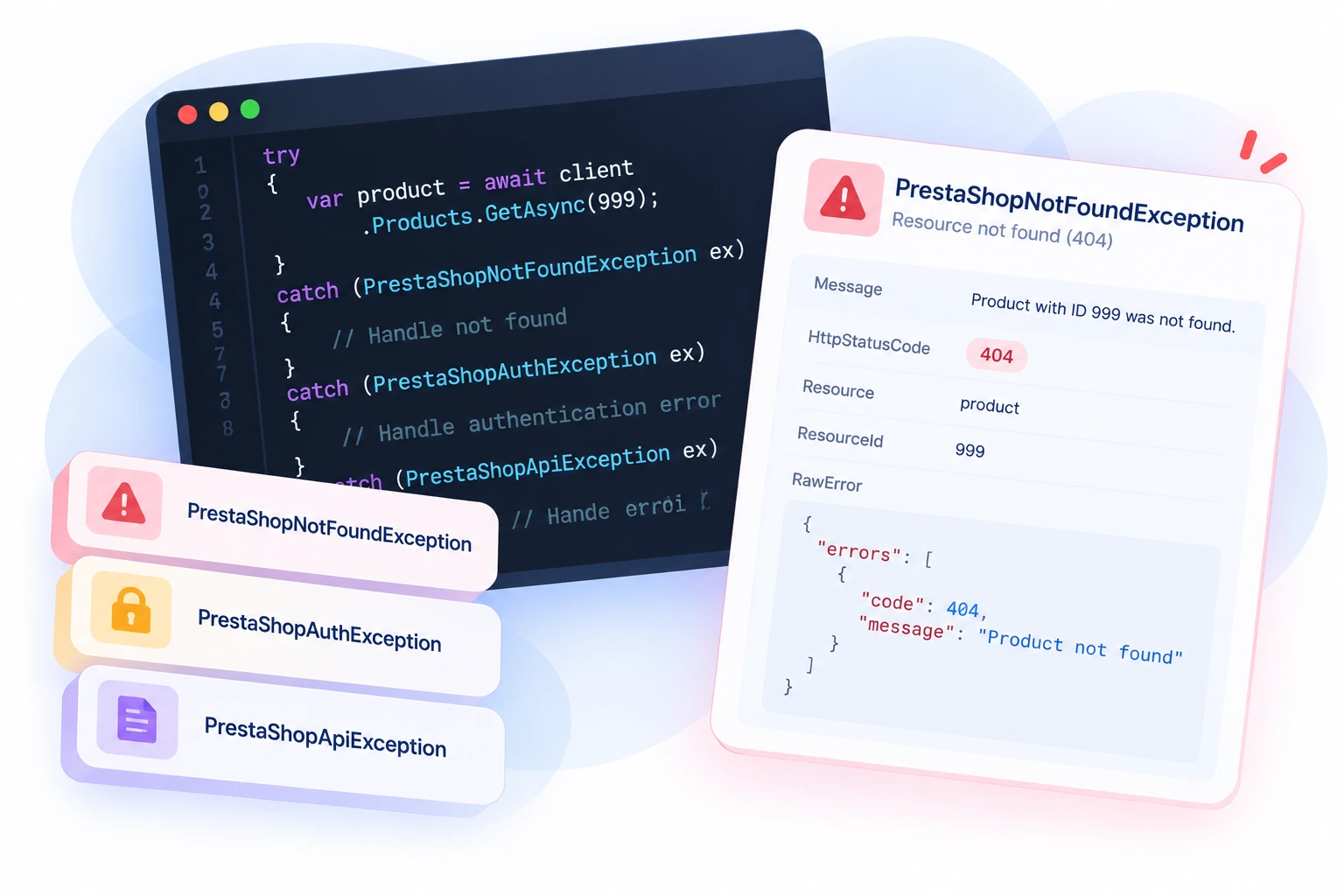
Error Handling
PrestaShop API errors become typed exceptions. Catch PrestaShopNotFoundException, PrestaShopAuthException, or PrestaShopApiException by type, each with the parsed error details to log or act on.
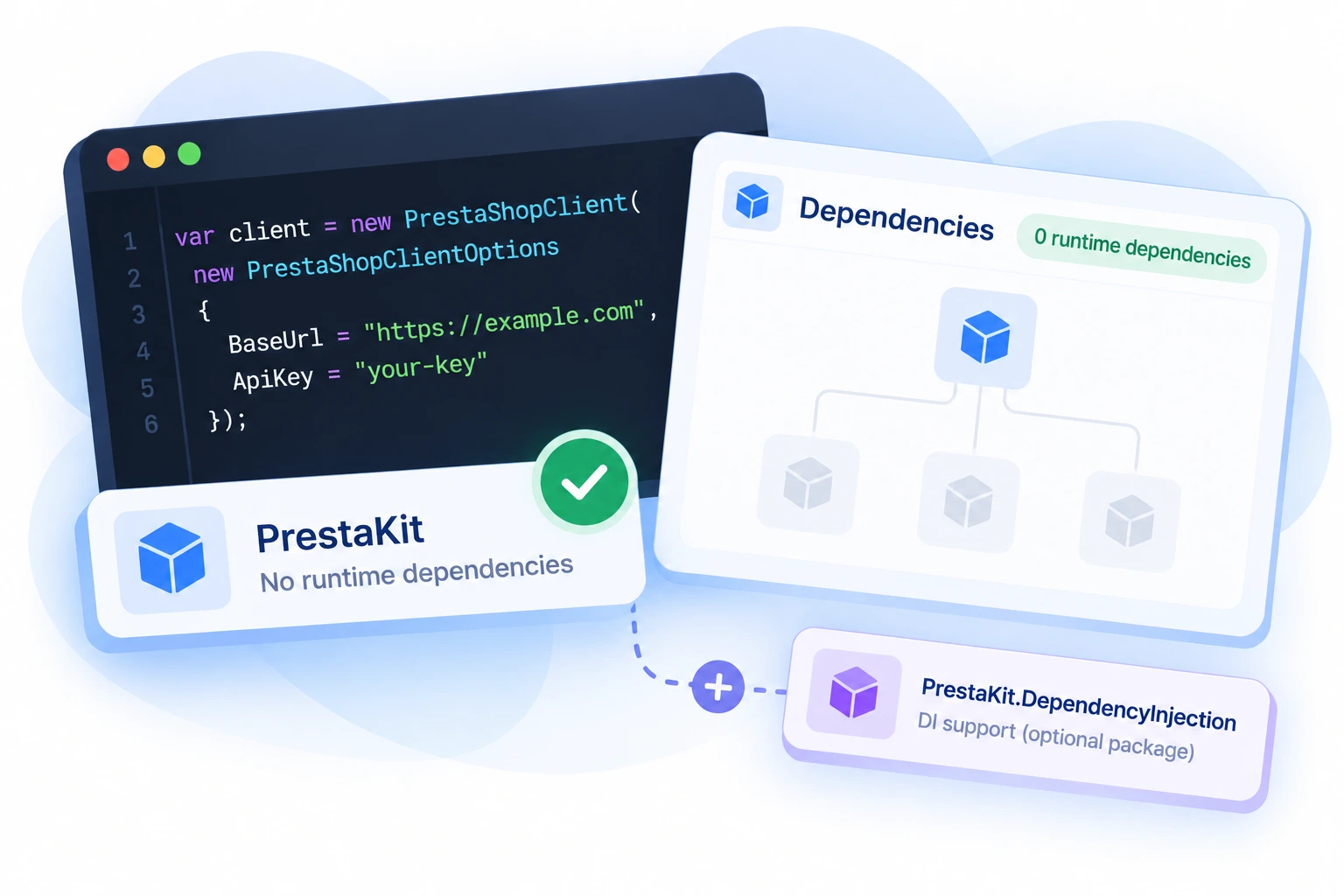
Zero Dependencies
The core library has no runtime dependencies. Drop it into any project without dragging in a dependency graph. DI support is a separate, opt-in package.
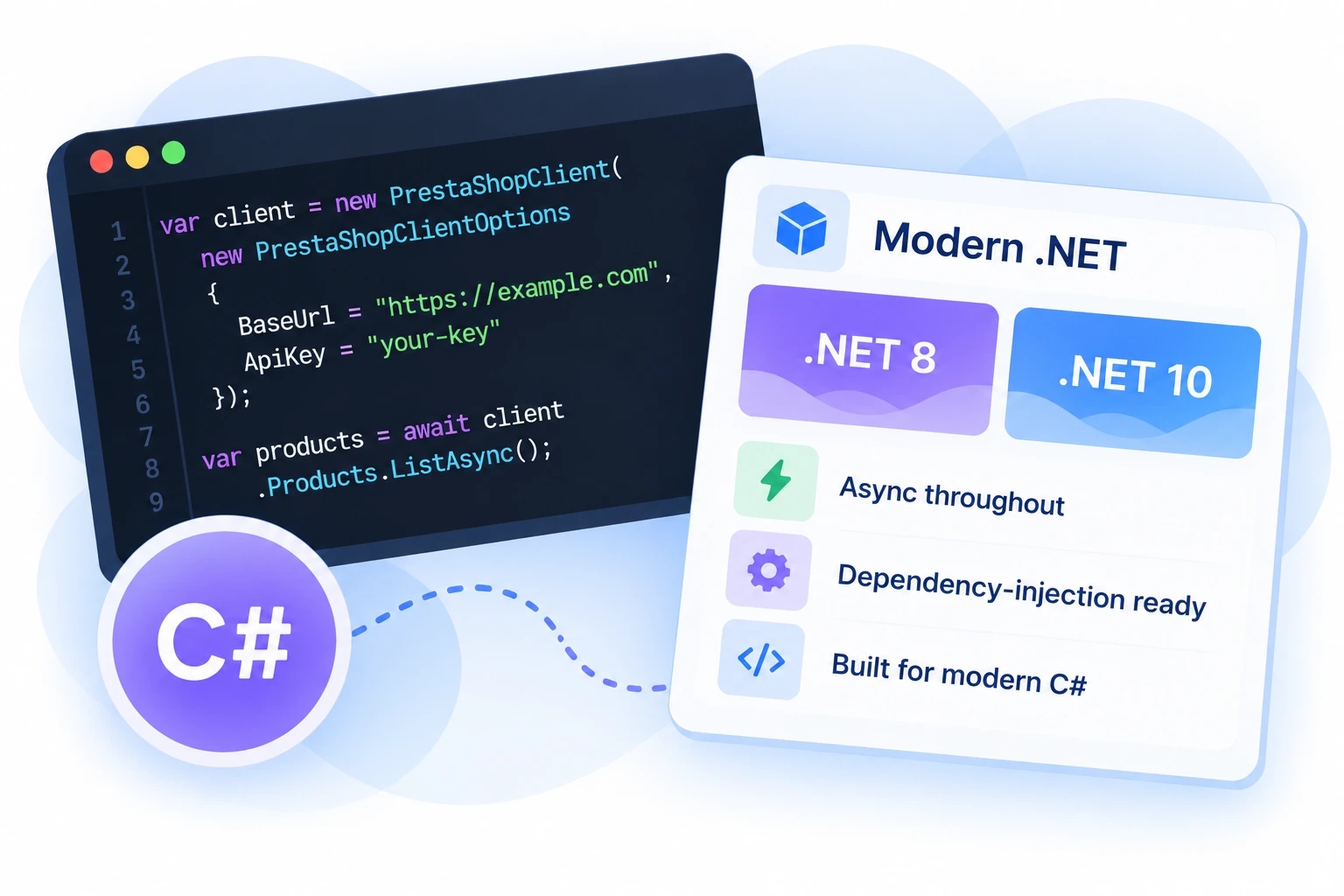
Modern .NET
Targets .NET 8 and .NET 10. Async throughout, dependency-injection ready, and built for how you write C# today.
Write this, not that
Up and running in minutes
- Manual
- Dependency Injection
dotnet add package PrestaKit
var http = new HttpClient { BaseAddress = new Uri("https://your-shop.com/api/") };
http.DefaultRequestHeaders.Authorization = new AuthenticationHeaderValue(
    "Basic", Convert.ToBase64String(Encoding.ASCII.GetBytes("YOUR_API_KEY:")));

var client = new PrestaShopClient(http);

var product = await client.Products.GetAsync(1);
dotnet add package PrestaKit
dotnet add package PrestaKit.Extensions.DependencyInjection
// Program.cs
builder.Services.AddPrestaShopClient(options =>
{
    options.BaseUrl = new Uri("https://your-shop.com/api/");
    options.ApiKey  = "YOUR_API_KEY";
});

// anywhere via constructor injection
public class ProductService(IPrestaShopClient client)
{
    public Task<Product> GetAsync(long id) => client.Products.GetAsync(id);
}